- Visit CloudFlare Dashboard
- Make sure to login and if you do not have an account, register then login
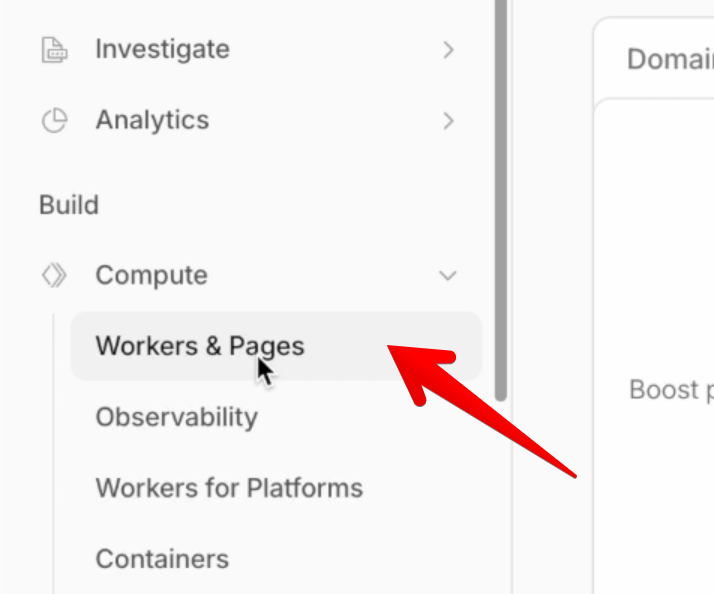
- from the left menu, click Compute then Workers
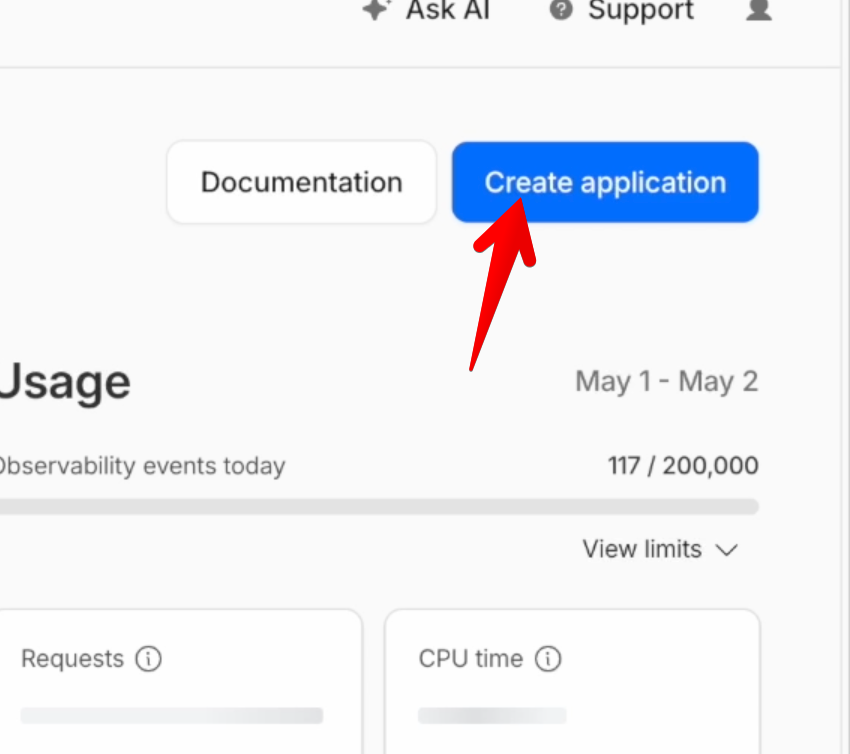
- Clink the create application button
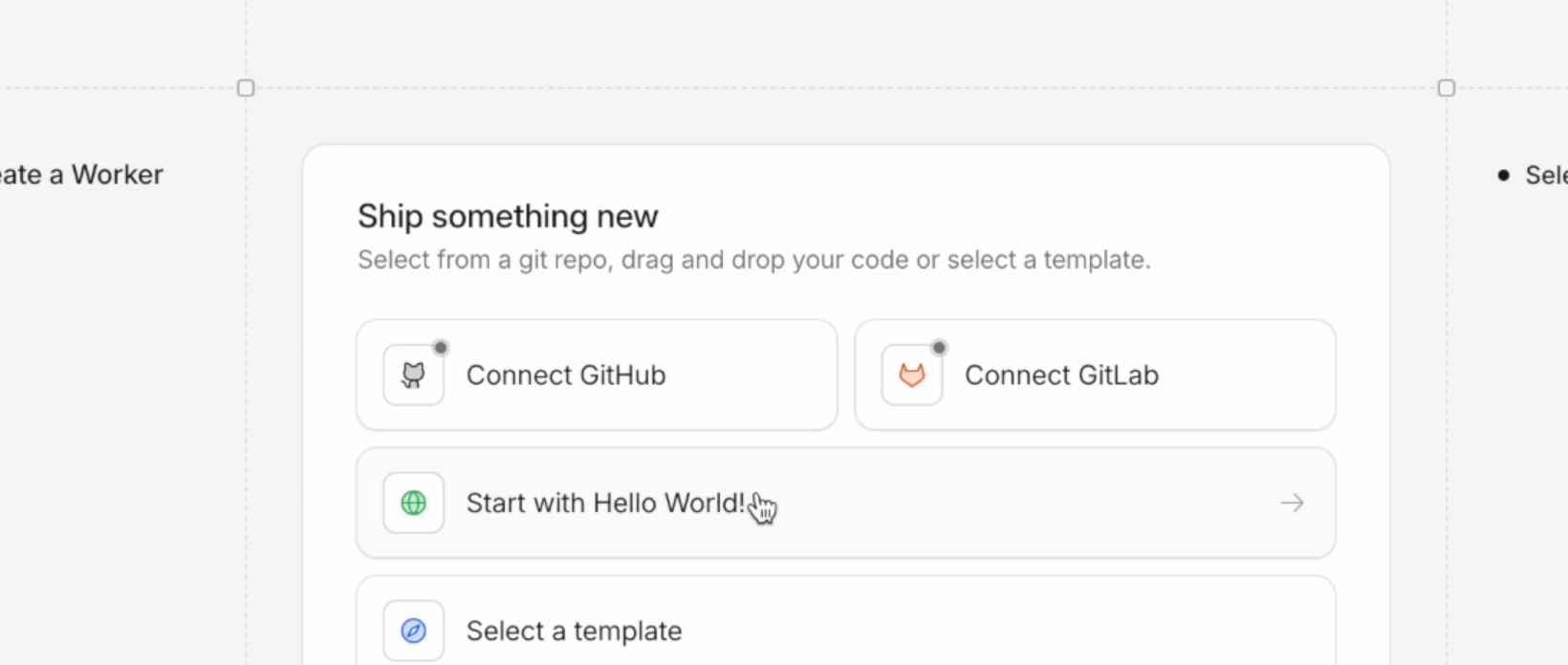
- Click start with hello world
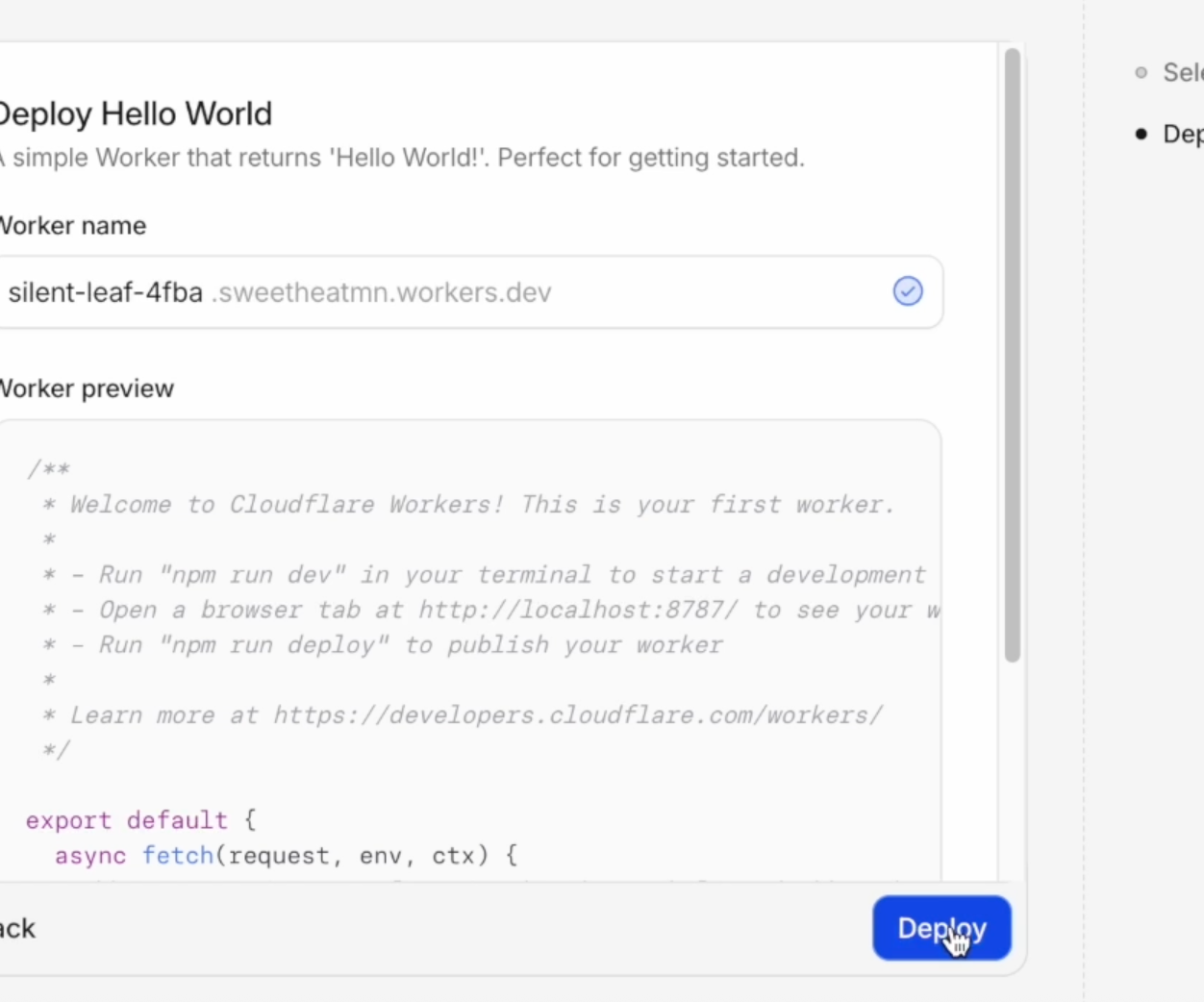
- Click deploy
- Click Add binding
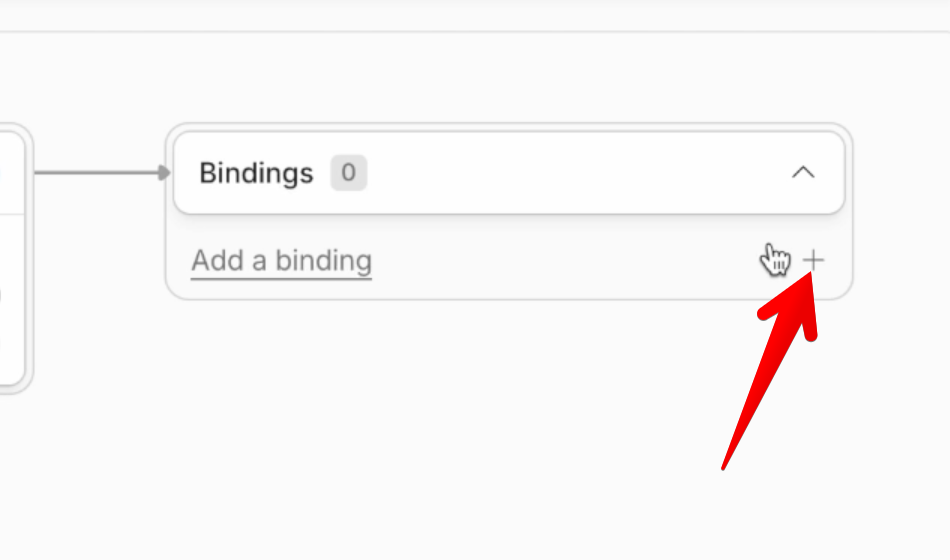
-
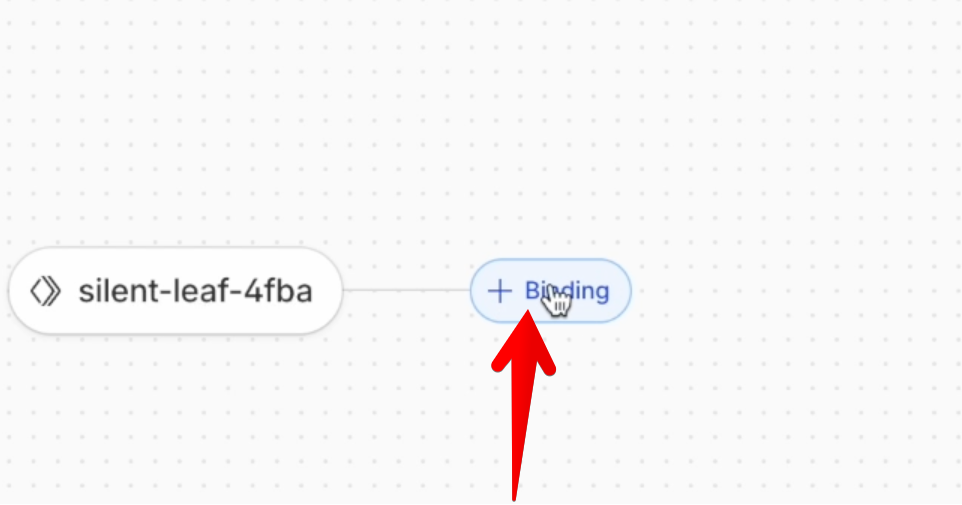
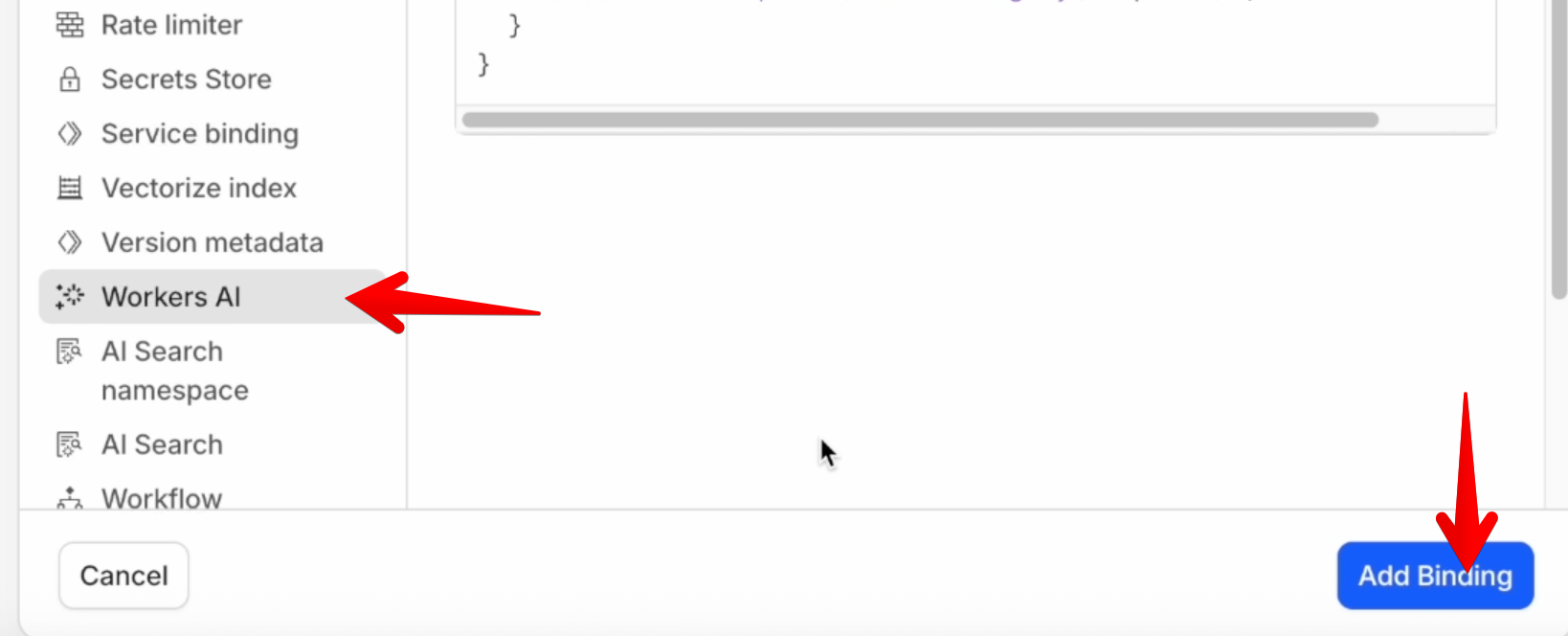
- Select Worker AI and click the add button
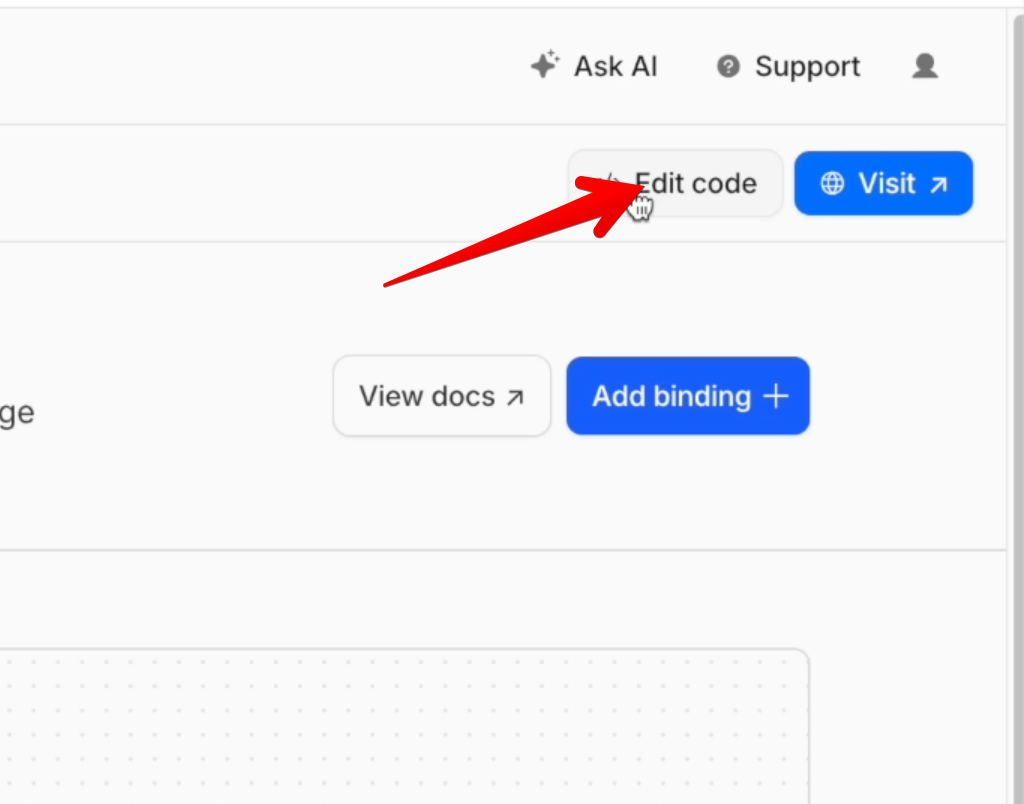
- Click the edit code button
- Visit this link and copy the code https://github.com/saurav-z/free-image-generation-api/blob/main/worker.js
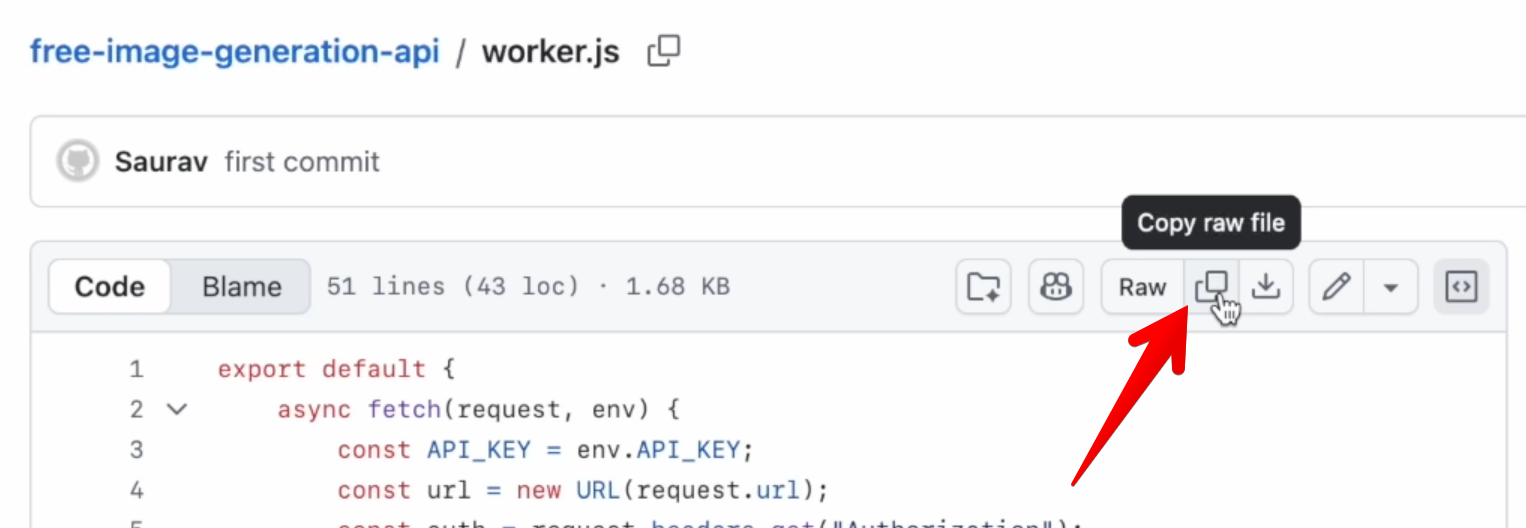
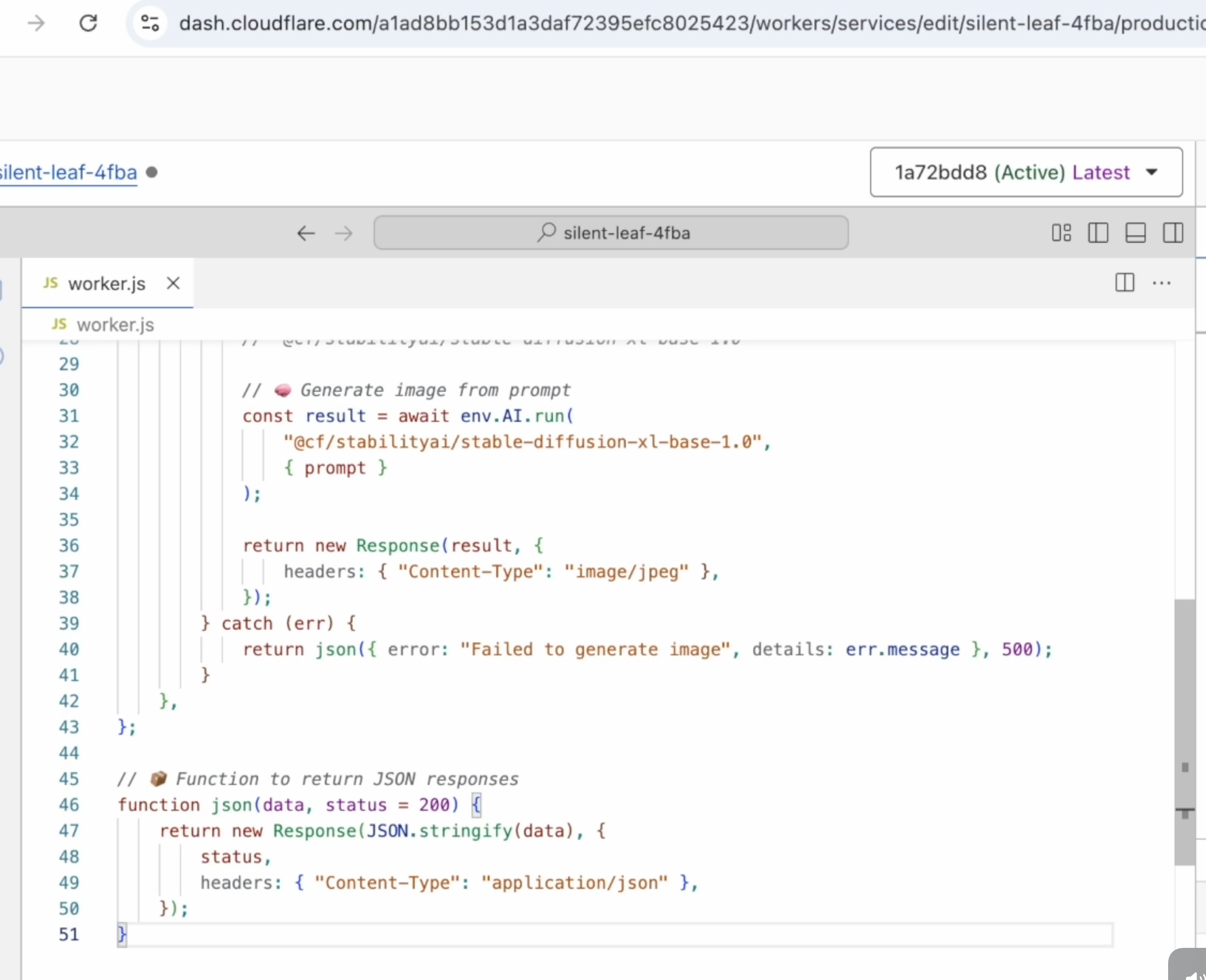
- Paste the copied code to your worker and deploy
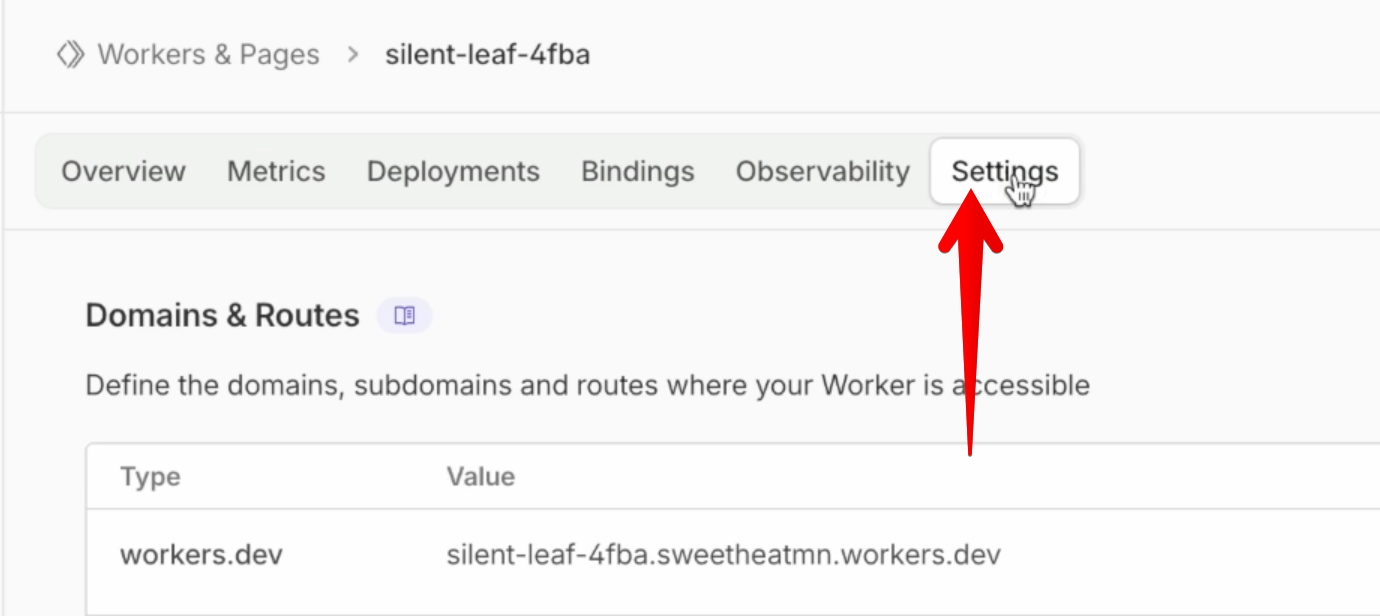
- Visit the settings tab of your worker
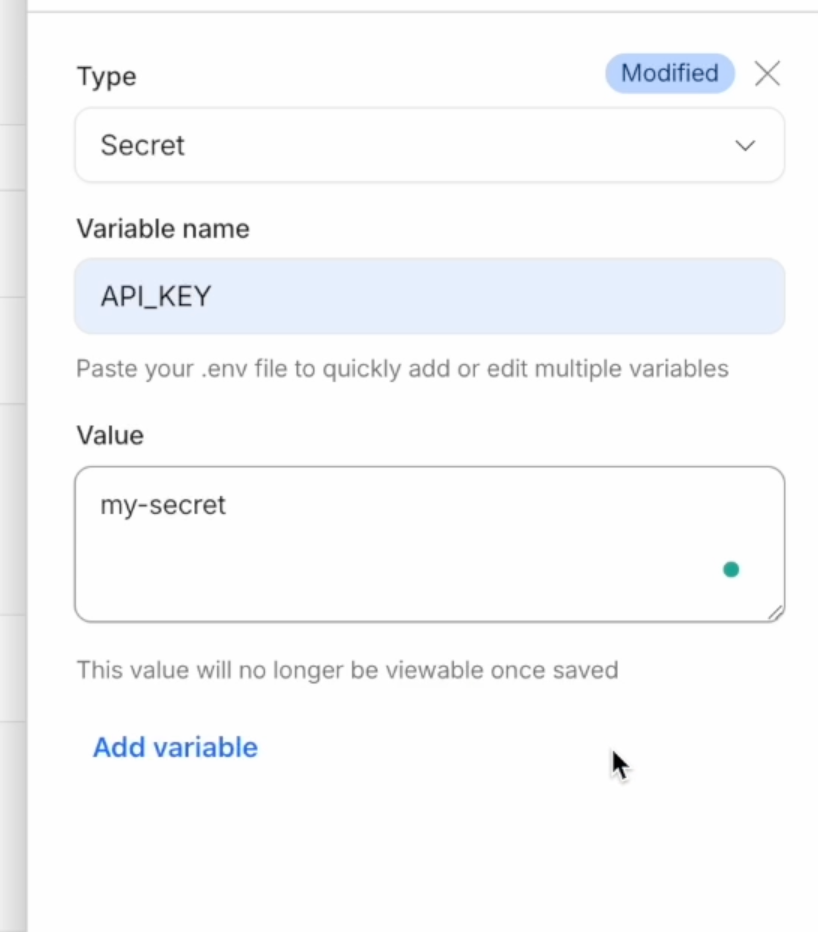
- Under Variables and secrets tab click add

- Create a secret varabible with the name API_KEY and your desired value for the secret
- Visit your worker page and copy the URL from your browser

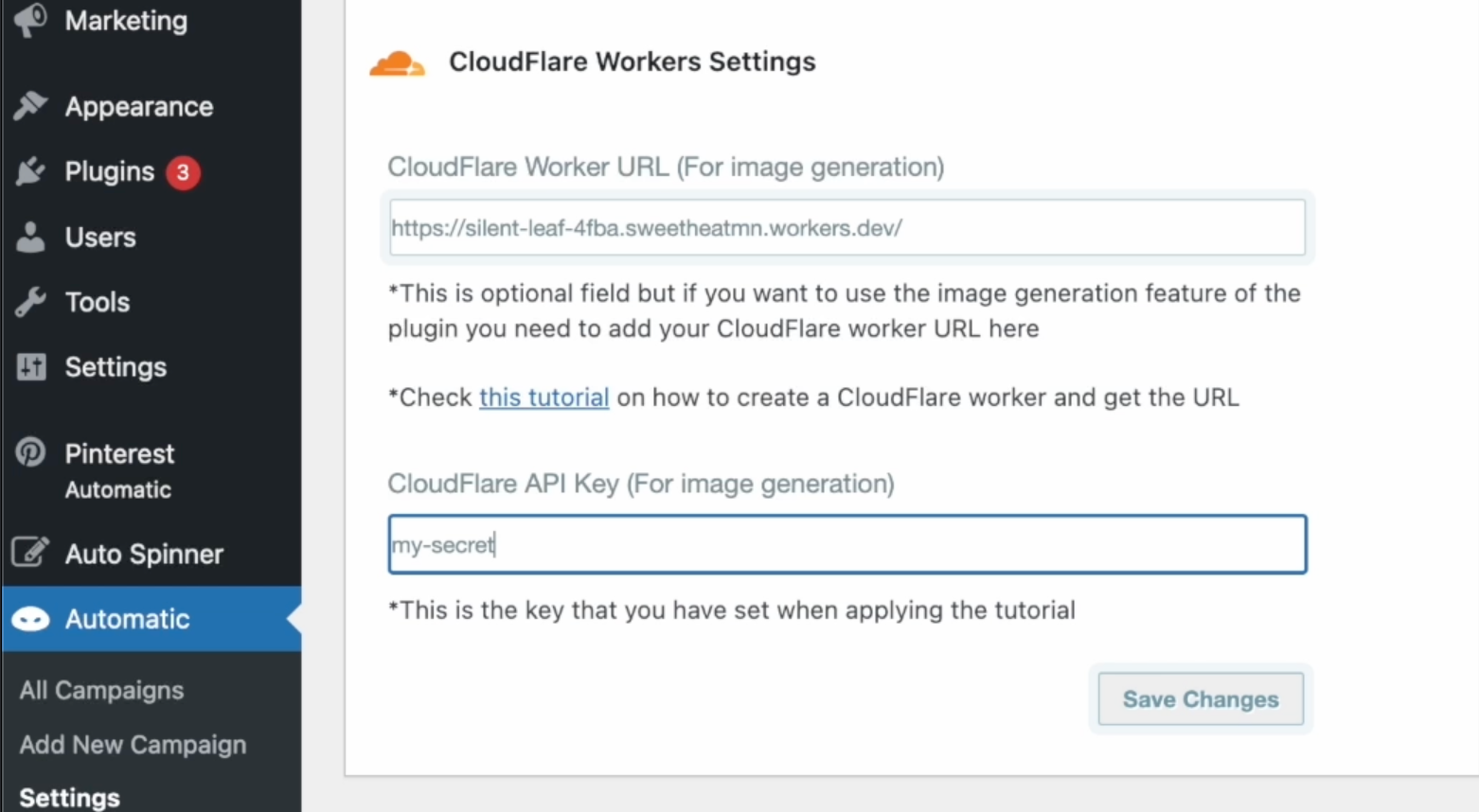
- Add the copied URL and your chosen value for the secret API key to the plugin settings page for it to use to generate AI images for free

How to create AI images generation API for free using CloudFlare workers?
Leave a reply